Drawing that feels real.
Learning through play.
A gentle drawing app for kids aged 3–7 on tablets and phones, with crayons, markers and pencils, and step-by-step guides for tracing letters, numbers and shapes. No ads. No accounts. Works offline.
Learning through play.
A gentle drawing app for kids aged 3–7 on tablets and phones, with crayons, markers and pencils, and step-by-step guides for tracing letters, numbers and shapes. No ads. No accounts. Works offline.
Big buttons, bright colors and nothing confusing, so a child can pick it up and start drawing right away.
Pencil, marker, crayon and spray, each with its own texture, in five sizes and a palette of bright colors, plus a custom color picker.
An animated pen shows exactly how to draw each stroke. The app watches the child's line and moves on when they get it right.
Uppercase and lowercase alphabet letters and numbers 0–9, drawn the way kids are taught to write them, in English, Hebrew and Russian.
Circles, squares, hearts, stars and a growing library of shapes you can download right from the app.
Type a name or a word and trace it letter by letter, or let the app pick a random word to practice.
Draw a shape once and keep it as a guide that a child can trace again and again.
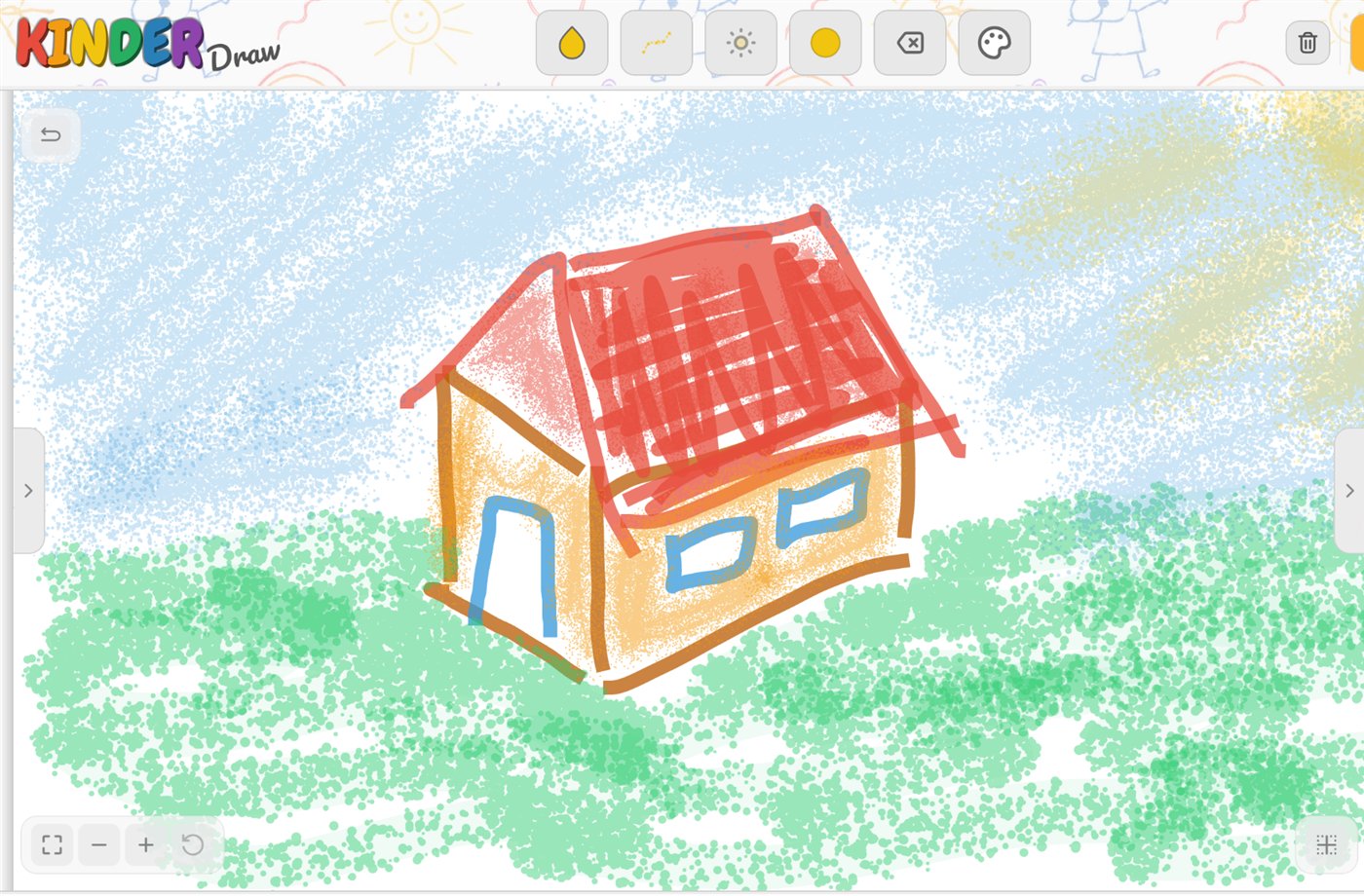
Real screens from KinderDraw on a tablet.
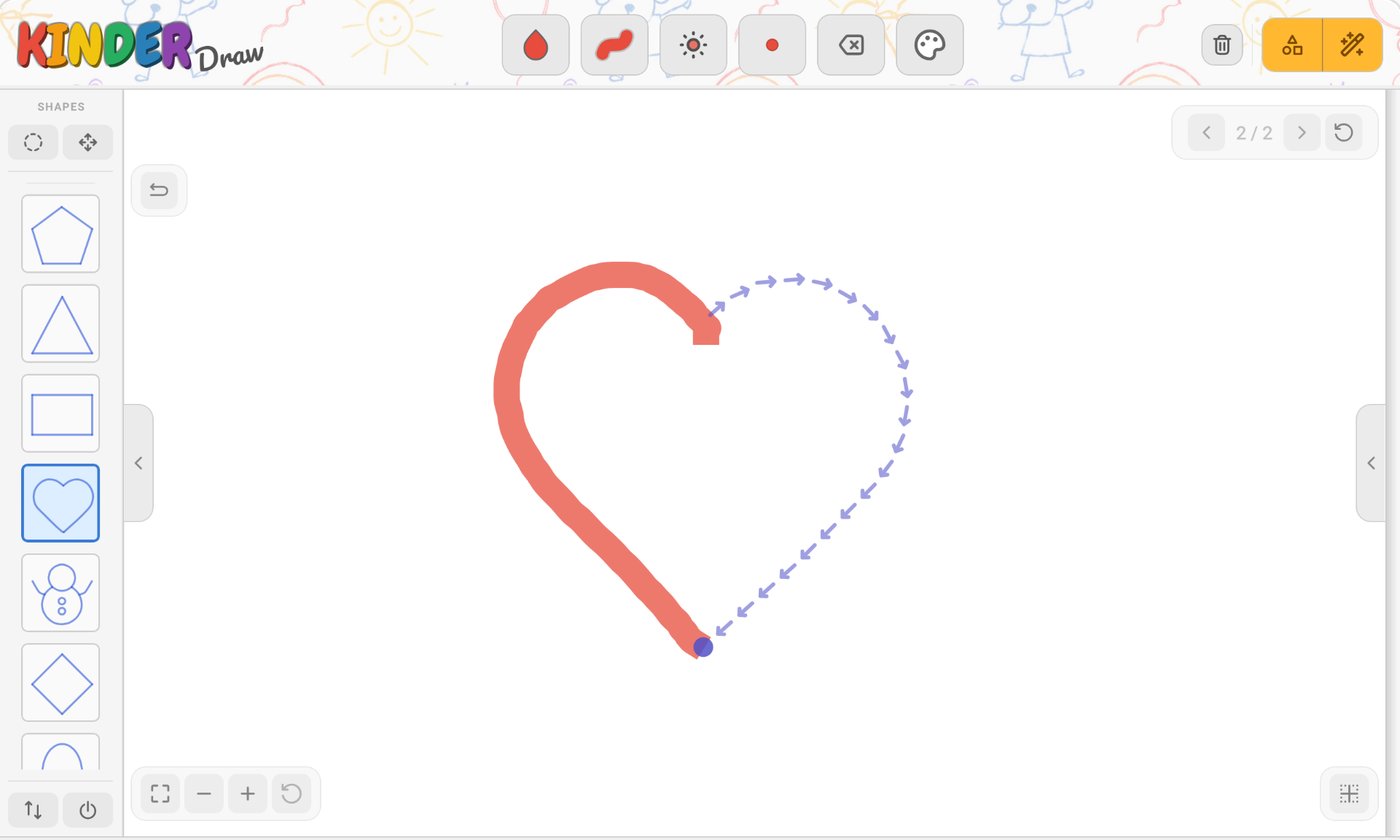
Each stroke is shown moving in the right direction, so kids build good writing habits. Matching is forgiving, because little hands wobble.
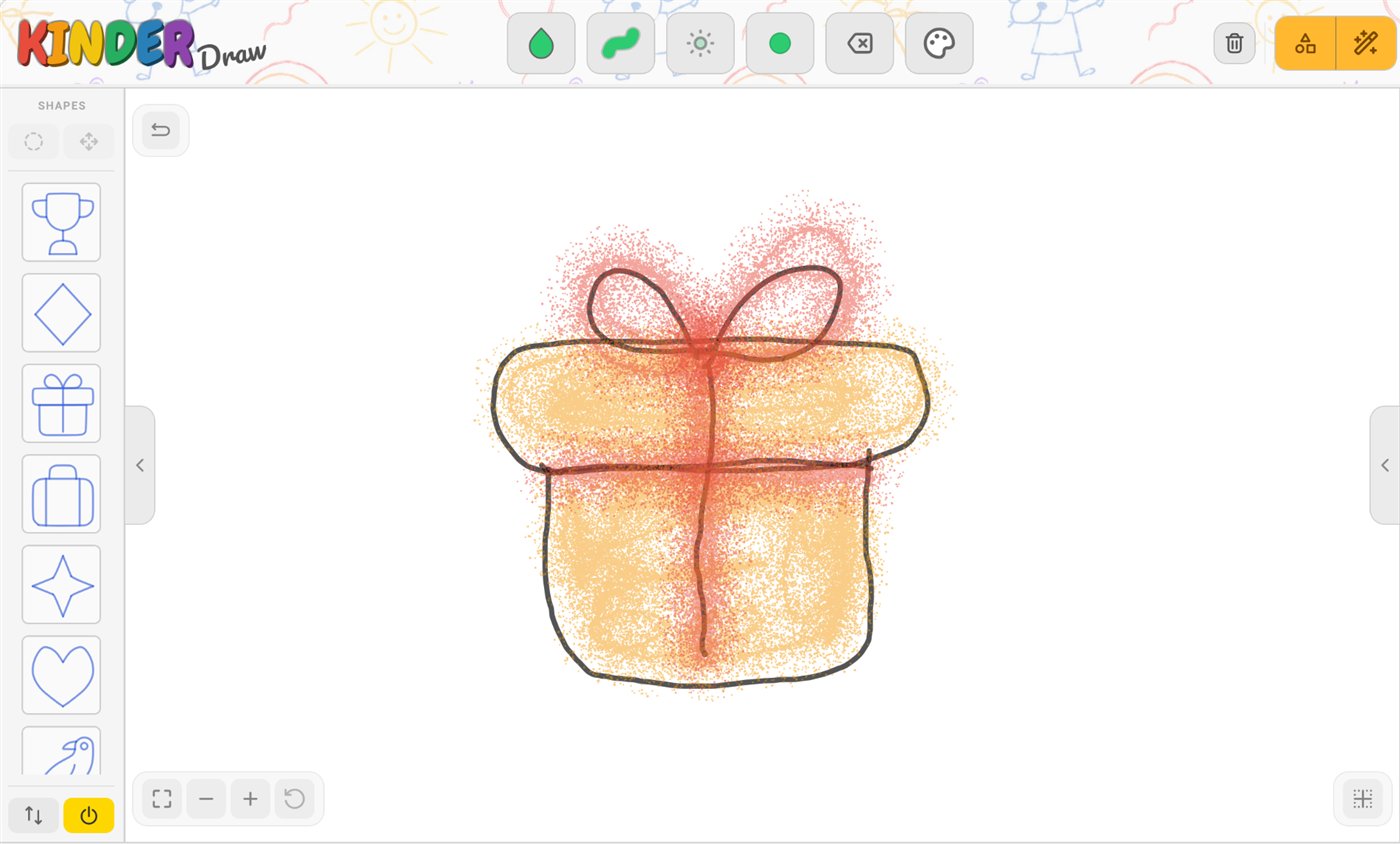
Browse the gallery on the left, trace a shape faintly or step by step, and color it in with brushes that look and feel like the real thing.
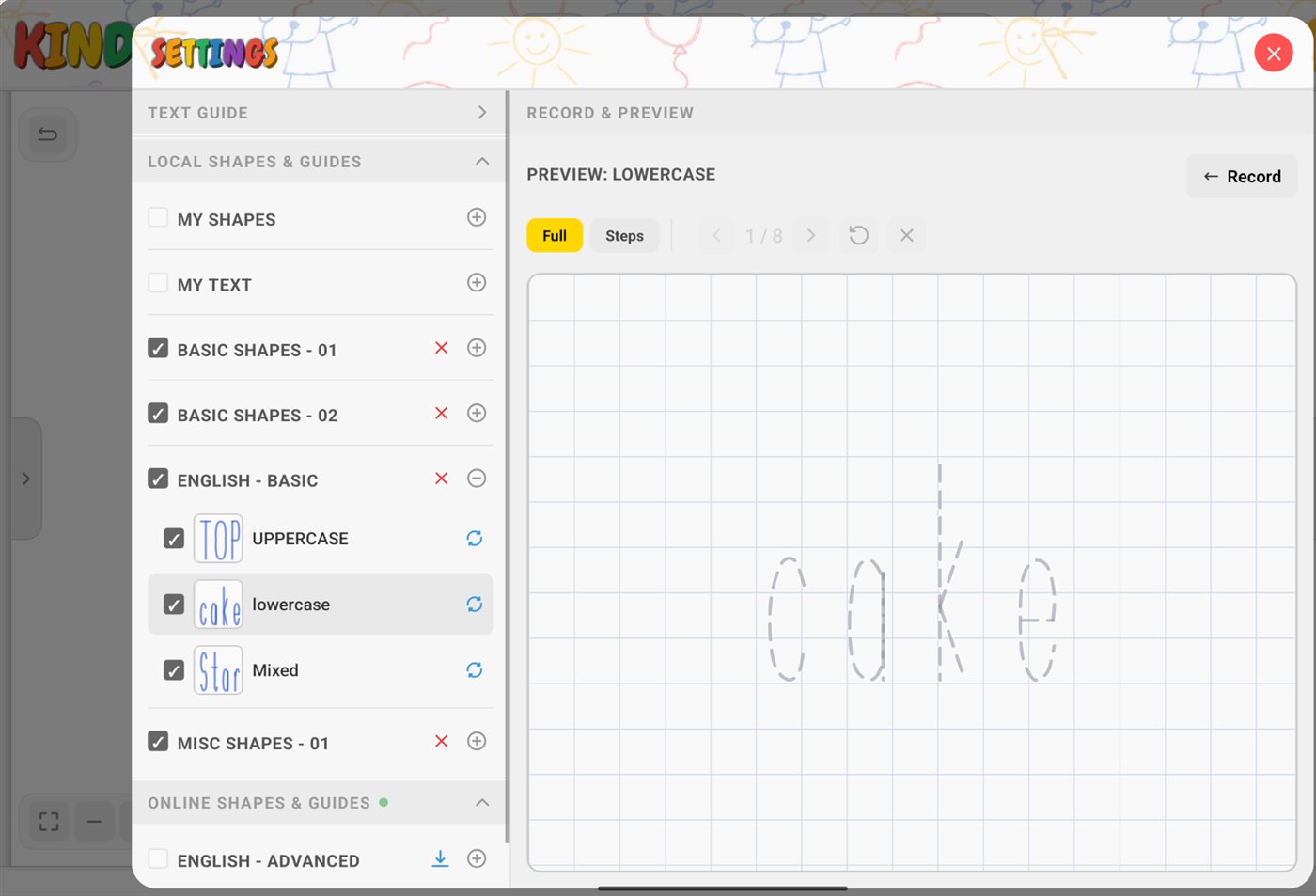
Practice single letters or whole words. Pick a word list, shuffle for a new word, and trace it in uppercase, lowercase or mixed case.
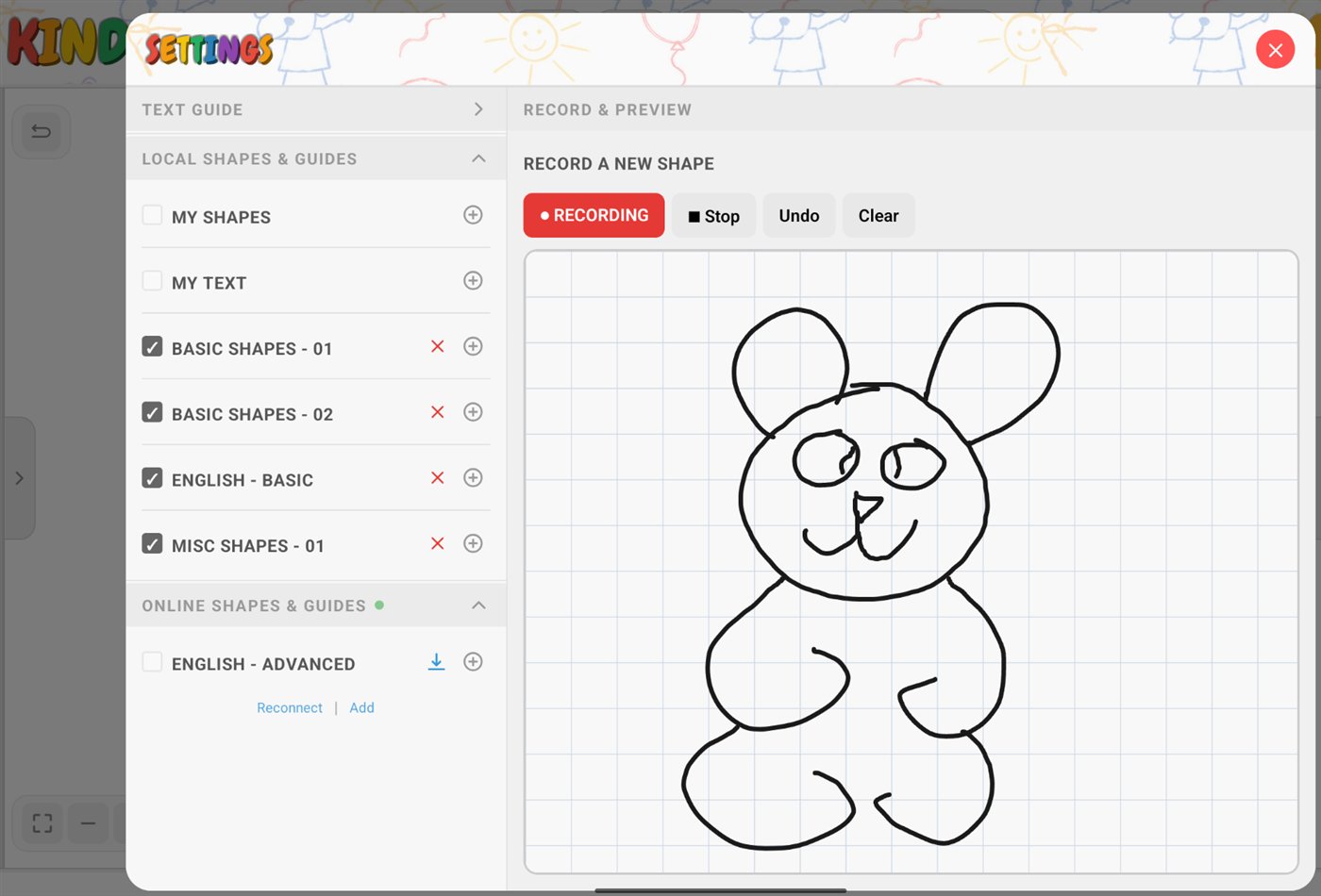
A grown-up (or a bigger kid) can draw a shape once and save it, then anyone can trace it step by step.
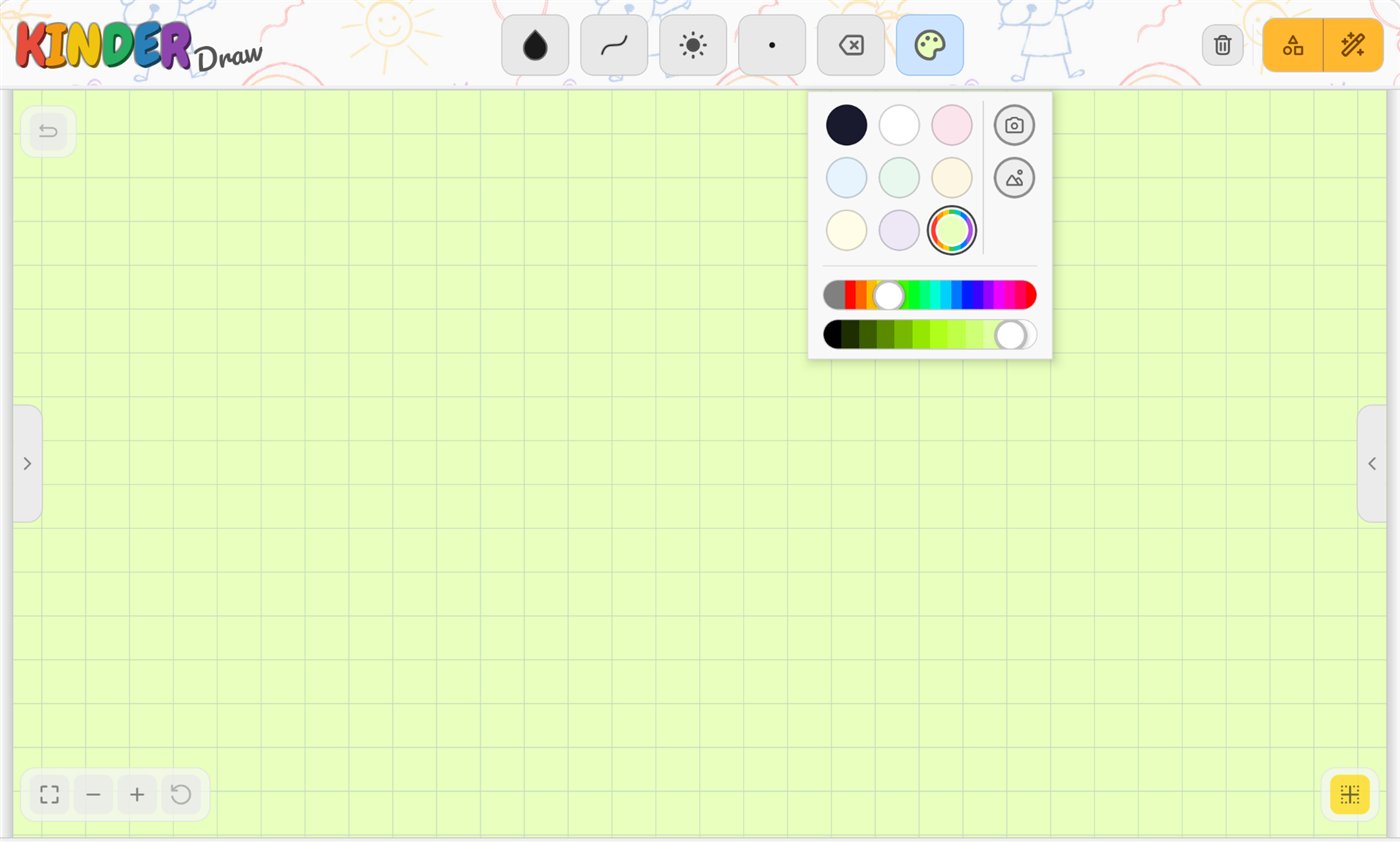
Choose a paper color, turn the grid on or off, or use a picture as the canvas background.
Read exactly what we do and don't collect in our privacy policy.
KinderDraw runs on iPad and iPhone, Android phones and tablets, and Amazon Fire tablets.
We're getting ready for the app stores. In the meantime you can try it early:

The easiest way to get KinderDraw on a Fire tablet, including the Kids profile. Open this page on the tablet, or scan the code with it.

Scan the code with your tablet or phone (~140MB, so use Wi-Fi). Your browser may warn that the file "might be harmful", which is normal for apps outside the app stores: choose "Download anyway". You may also need to allow installs from your browser (Settings → "Install unknown apps").

